All guides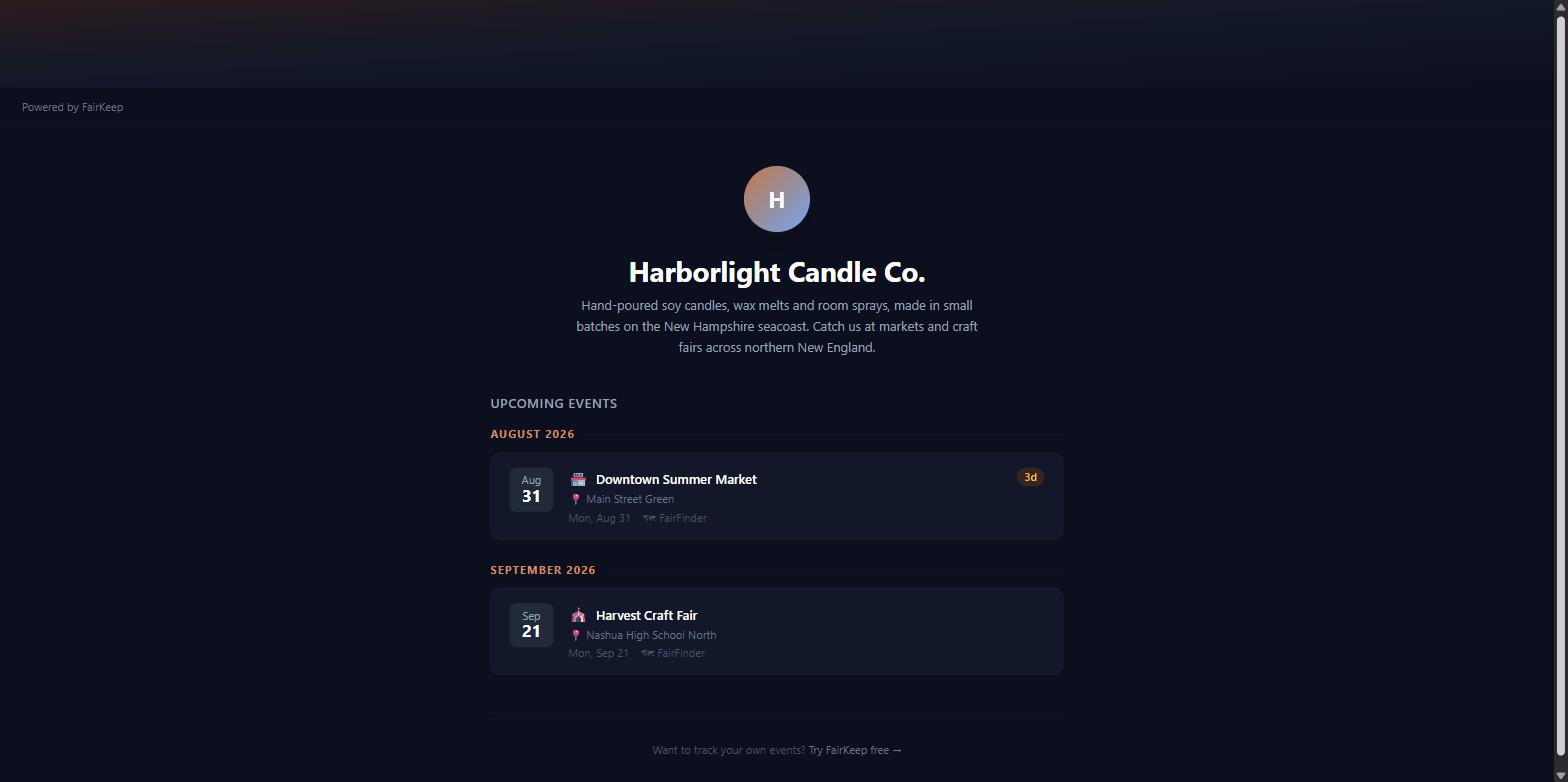
Tools & Integrations
Set up your public vendor page
Create a shareable public page that shows customers your upcoming markets — no account needed on their end, just a clean link you can put anywhere.
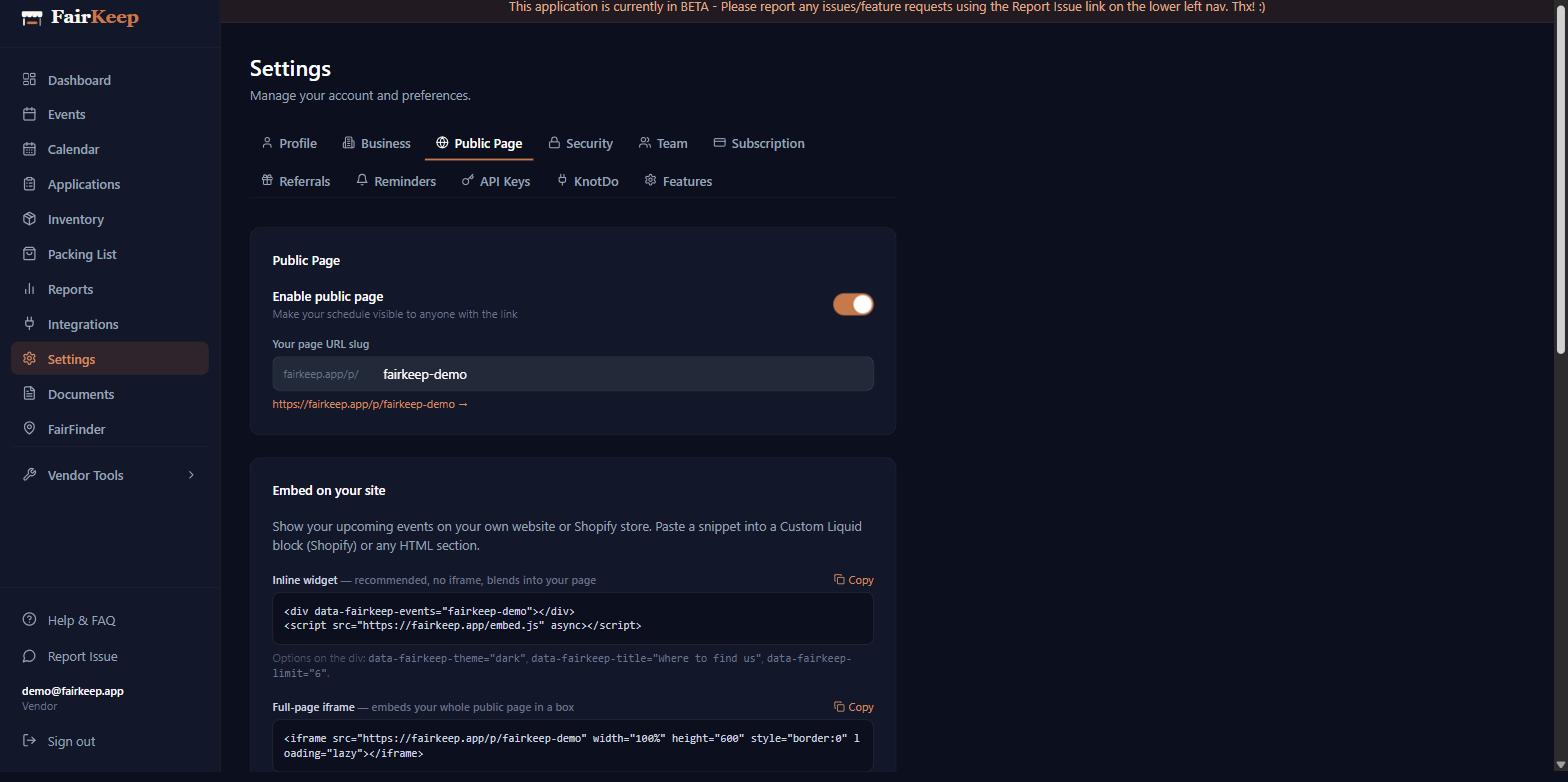
- 1Go to Settings → Public Page.
- 2Toggle "Enable public page" on.
- 3Choose a URL slug — this becomes your shareable link (e.g. fairkeep.app/p/your-name).
- 4Add your display name, a short bio, and links to your social profiles.
- 5Optionally upload a profile photo.
- 6Share the link on your Etsy bio, Instagram, or business cards. Customers see your upcoming markets without needing an account.
- 7To keep a particular event off this page, open it and tick "Internal only" — it stays in your reports, mileage, and calendar but never appears publicly.
Related guides